
Required values & length
validate_notnull and validate_len enforce presence and text length. Zero and false remain valid values.
Shared capabilities / Validation
An invalid value stays in the field, where it can be corrected. The Data Bag keeps the last valid value until the next edit passes validation.
One pipeline across the inputs
Required values, lengths, typed ranges and custom checks belong to the field declaration.
Validation guides the native controls where applicable. It also handles behavior that browser constraints alone do not cover.
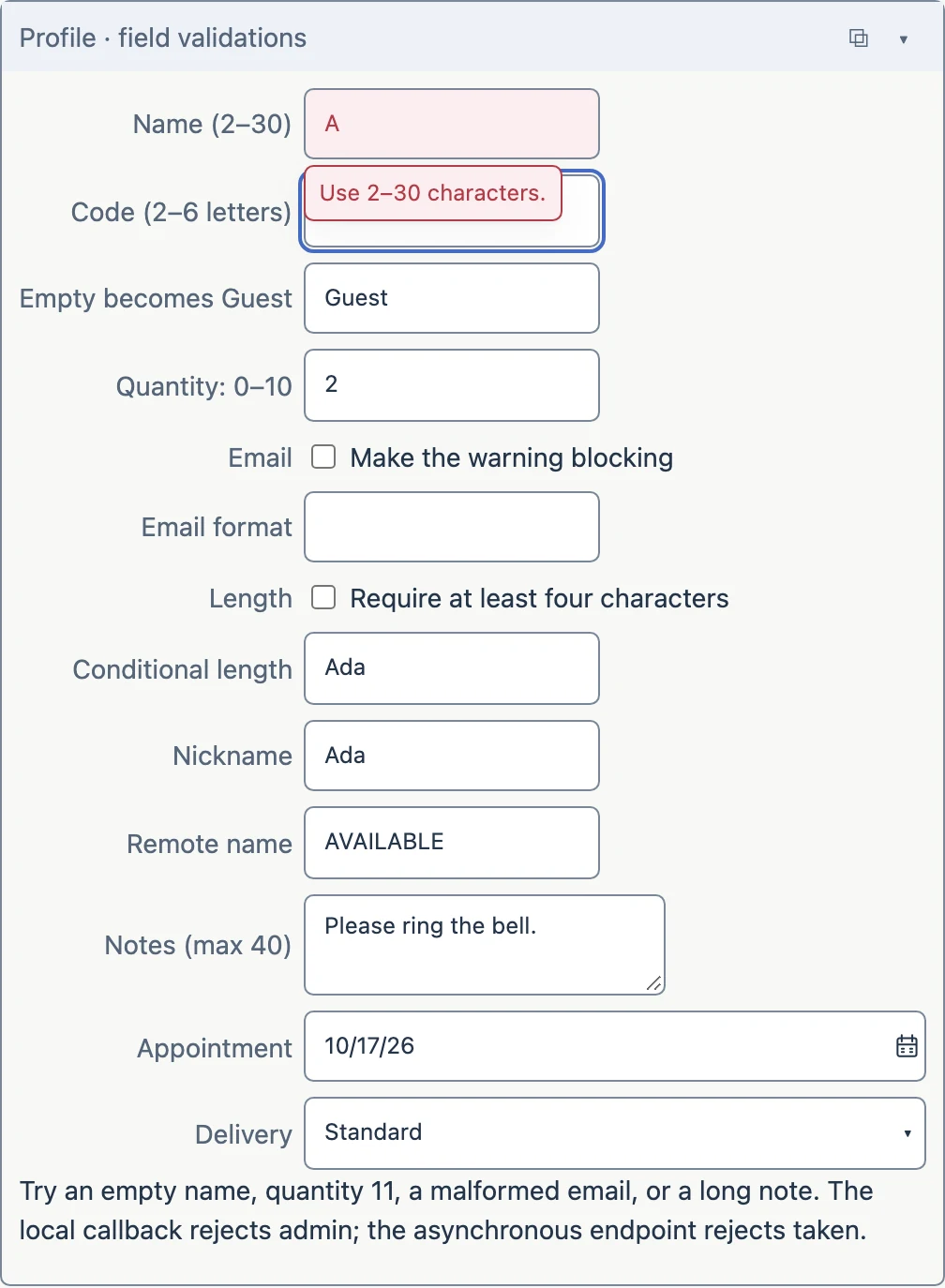
Available now
validate_notnull and validate_len enforce presence and text length. Zero and false remain valid values.
Minimum and maximum checks respect numeric and temporal types, including exact Decimals. Regex and email-shape checks cover text patterns; an email check does not prove an address exists.
Normalize case or replace an empty candidate with an explicit fallback before accepting it.
Enable rules based on other resolved inputs. Supply messages and choose whether a rule advises or rejects.
validate_call invokes browser Logic, including Promise-returning methods. Acceptance and rejection callbacks can react to the outcome.
validate_remote uses the existing typed RPC path to a Page endpoint. Requests are asynchronous, with timeouts and stale-reply handling; no synchronous browser request is needed.
Browser validation is not a server security boundary. A real backend must enforce its own authorization and data constraints. Database existence, duplicate-record and grid-duplicate validators belong to the future DB/grid work; they are not part of this collection yet.
Read it in the declaration
The same component grammar is available to Python and JavaScript authors.
fields.numberTextBox(
    value="^.quantity",
    lbl="Quantity: 0–10",
    validate_min=0, validate_max=10
)

fields.textbox(
    value="^.remote_name",
    lbl="Remote name",
    validate_remote="check_name",
    validate_timeout=5000
)
CONTINUE HERE