
- Visible draft
- Empty
- Field state
- Required
- Accepted Data
- Ada
The draft and the accepted value are different.
Suppose the name already contains Ada. The person clears it, but the field is required. Gramlot can keep the empty draft visible with an error, while the Data Bag retains Ada as the last accepted value.
This gives the person something concrete to fix. It also means a valid value in Data does not prove the entire form is currently ready to submit: an invalid draft may still be on screen.
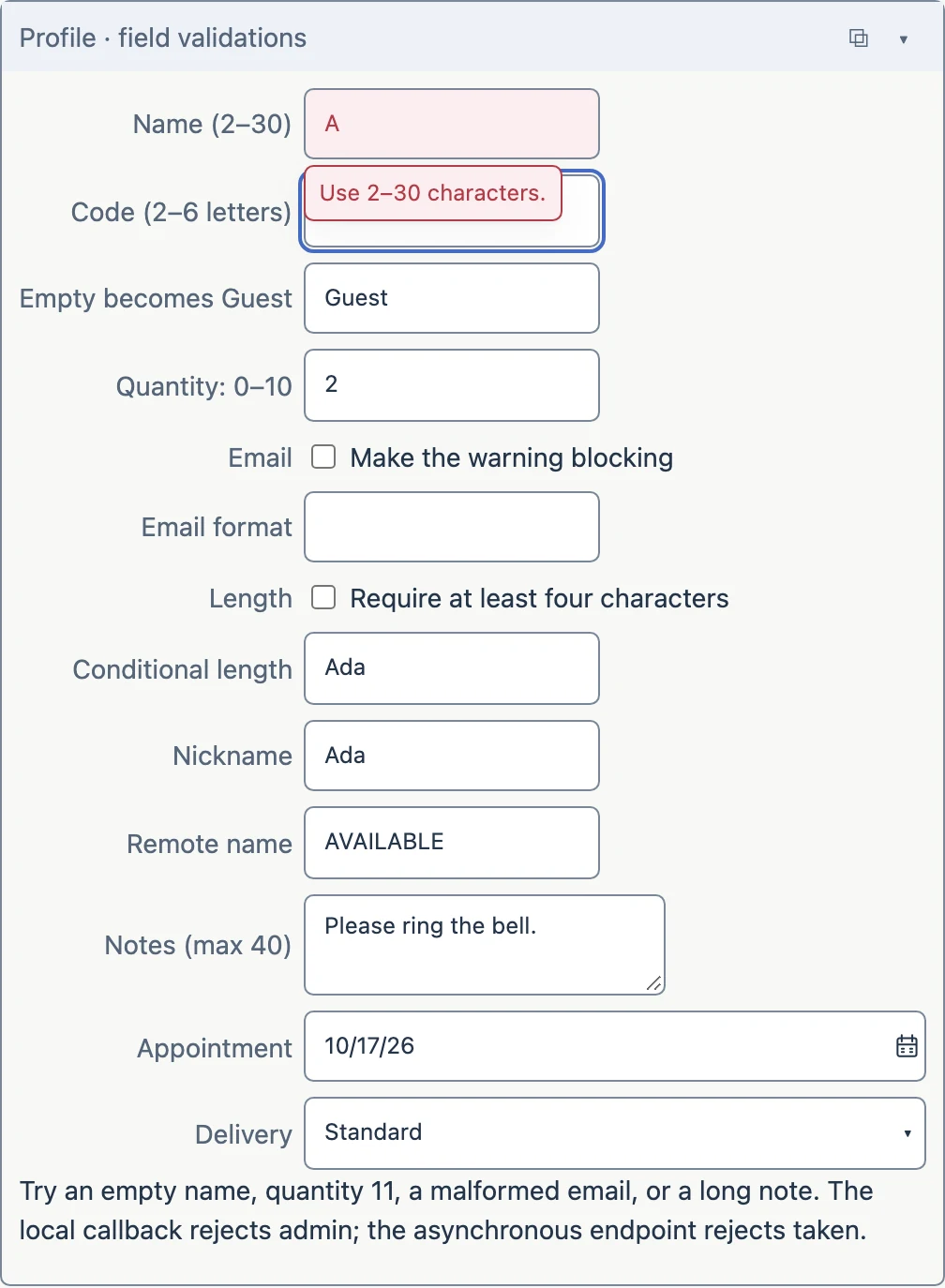
Place the rule beside the field.
The declaration expresses a required name of two to thirty characters and gives a useful message for each failure. The shared validation behavior applies the rule when the control commits an edit.
Other rules cover ranges, patterns, transformations, warnings and asynchronous checks. Start with the smallest set that helps the person complete the task.
fields.textbox(
    value="^.full_name", lbl="Name",
    validate_notnull=True, validate_len="2:30",
    validate_notnull_error="Please enter a name.",
    validate_len_error="Use 2–30 characters."
)
Read the explanation here. The working lesson and full contract are linked below.
Keep the receiving service responsible.
Browser validation improves the experience. A service receiving a registration must still validate its inputs and apply its own business rules. A standalone file cannot enforce a trusted booking policy on somebody else’s computer.
The complete submission workflow also needs an explicit policy for invalid or pending edits. This tour does not claim that field validation supplies a general save service.
What would you send?
The textbox has an invalid blank draft, but Data still contains Ada. Is it safe to call that a completed registration?
Reveal the explanation
No. The application must decide when submission is allowed and make pending or invalid edits clear to the person.
Try the working example and read the full contract
KEEP EXPLORING